

1440p · Competitive · Reflex On + Boost
PC for Counter-Strike 2
In Counter-Strike 2, the processor calls the shots. An X3D with its giant cache is the difference between spotting your opponent first and watching the killcam.
The requirements that actually matter
- To get started
- Ryzen 5 9600X + RTX 5060 Ti for 300+ FPS
- Recommended
- Ryzen 7 9800X3D + RTX 5070 for 600 FPS
- Test settings
- 1440p · Competitive · Reflex On + Boost
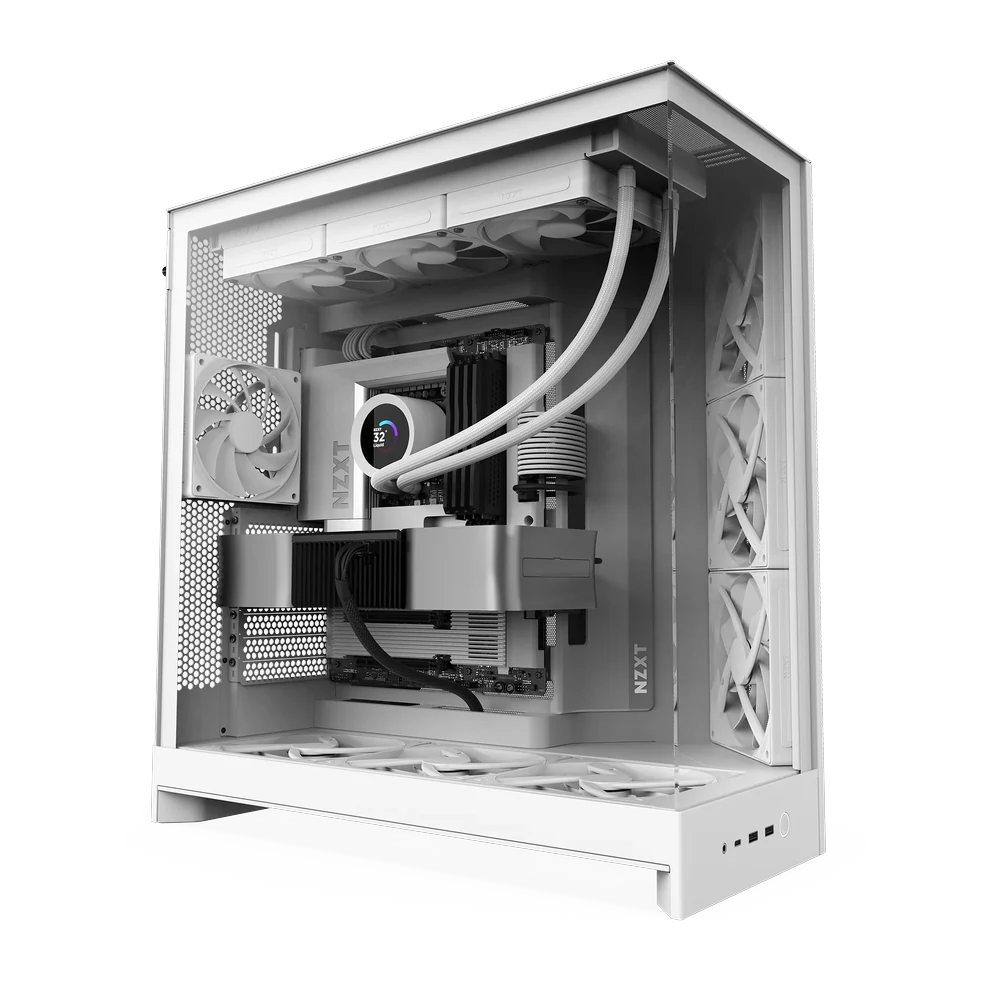
Our pick for CS2
FRAG 600 RTX 5070
Built for competitive play. 600 FPS in CS2 with the X3D leading the charge.
0 FPS at 1440p0 FPS at 4K
€1,699
View PCCS2 FPS on every rig
Estimated average on max settings. Bars show 1440p; the small number is 4K.
Frequently asked questions
What matters more in CS2, the CPU or the GPU?
The CPU. From an RTX 5070 upwards, the processor is what limits your FPS. A Ryzen 7 9800X3D is the best value for money.
Is a 500 Hz monitor worth it?
If you play competitively and your PC tops 500 FPS, yes: motion clarity and latency improve noticeably.