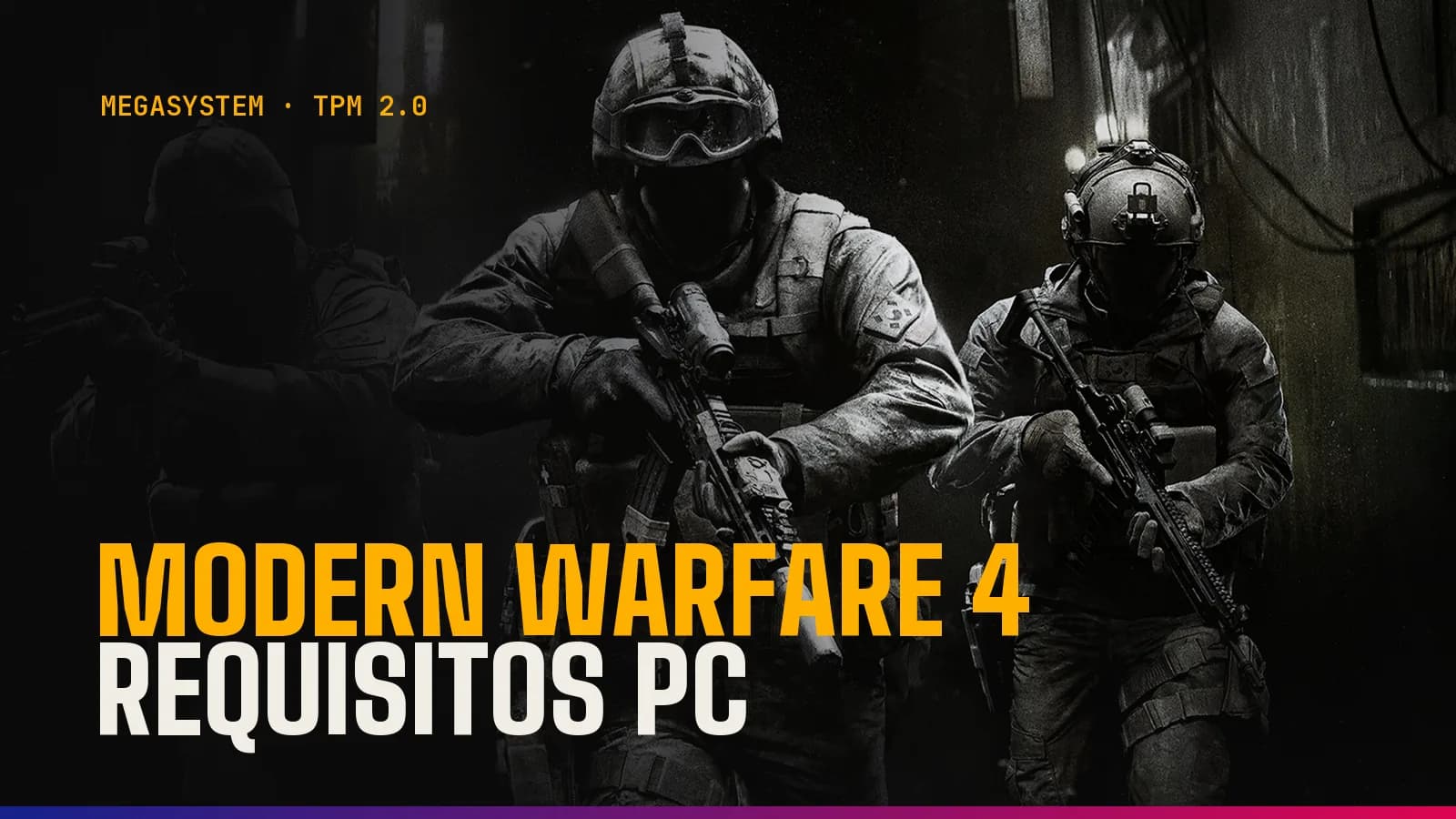
Modern Warfare 4 PC requirements: minimum, recommended and how to enable TPM 2.0 and Secure Boot
Call of Duty: Modern Warfare 4 is out on PC. We go over the official requirements (minimum, recommended and ray tracing), why Steam and Activision disagree on the graphics card, and how to enable TPM 2.0 and Secure Boot step by step so you can play online.
In this article
Call of Duty: Modern Warfare 4 came out on 23 October 2026, and on PC you can play it through Battle.net, Steam and the Xbox app. The Modern Warfare 4 PC requirements aren't over the top: to get it running, a Ryzen 5 1400 or a Core i5-6600, 8 GB of RAM, a GTX 970/1060 or RX 470 and 115 GB free on an SSD are enough. What's raising the most questions isn't the graphics card: Activision requires TPM 2.0 and Secure Boot to be enabled, and without them you can't get into any online mode.
Below you'll find the official specs, why Steam and Activision disagree on the recommended graphics card, and the steps to enable fTPM or PTT, convert your disk to GPT, turn on Secure Boot and update your BIOS.
Official Modern Warfare 4 PC requirements: minimum, recommended and ray tracing
Activision published the final specs on the official Call of Duty PC blog in September and keeps them on its support page, last updated on 1 October. There are three tiers.
Minimum requirements
Operating system: Windows 10 64-bit (latest update).
Processor: AMD Ryzen 5 1400 or Intel Core i5-6600.
RAM: 8 GB.
Graphics card: AMD Radeon RX 470, NVIDIA GeForce GTX 970 / GTX 1060 or Intel Arc A580.
Video memory: 3 GB.
Storage: 115 GB on an SSD (a mechanical hard drive won't do).
Recommended requirements (90 FPS in multiplayer on High settings)
Operating system: Windows 11 64-bit.
Processor: AMD Ryzen 5 3600 or Intel Core i7-8700K.
RAM: 16 GB.
Graphics card: AMD Radeon RX 6600 XT, NVIDIA GeForce RTX 3060 Ti or Intel Arc B580.
Video memory: 8 GB.
Storage: 115 GB on an SSD.
Ray tracing requirements (High settings at 4K with upscaling)
Operating system: Windows 11 64-bit.
Processor: AMD Ryzen 7 3700X or Intel Core i7-10700K.
RAM: 32 GB.
Graphics card: AMD Radeon RX 9070 XT or NVIDIA GeForce RTX 5070 Ti.
Video memory: 16 GB.
Storage: 115 GB on an SSD.
The small print that also matters
TPM 2.0 and Secure Boot are mandatory in all three configurations.
You need DirectX 12 and a broadband connection.
Intel Arc graphics cards need Resizable BAR enabled.
Only Intel and AMD processors with AVX instructions are supported.
The specs are for desktop PCs: a laptop with a similarly named graphics chip may not be supported.
Recommended drivers: AMD 26.7.1, NVIDIA 616.56 and Intel 32.0.101.8974.
RTX 3060 or RTX 3060 Ti? The Steam discrepancy
If you look at the game's Steam page, the recommended specs list the GeForce RTX 3060, whereas the official Call of Duty blog and Activision's support page say RTX 3060 Ti. Press outlets quoting the Ti aren't wrong: that's what Activision itself publishes (there's another, minor difference in the processor: the support page names the i7-8700, while the blog and Steam list the i7-8700K).
Take the RTX 3060 Ti as your reference, because it's the card tied to the 90 FPS on High target. With a standard RTX 3060, which performs noticeably worse, the game will run fine, but you'll probably have to lower a setting or two or lean on upscaling.
What PC makes sense in practice
The game includes DLSS 4.5, FSR Redstone and XeSS 3, plus a built-in benchmark that measures FPS, ping and latency and suggests settings. Activision recommends installing the Xbox app for PC even if you play on Steam or Battle.net, so that you receive precompiled shaders and the game starts faster.
For competitive multiplayer at 1080p or 1440p with a high-refresh-rate monitor, the sensible move is to aim above the recommended specs: a current mid-range graphics card with 12 or 16 GB and a more modern processor than the Ryzen 5 3600. If you're torn between NVIDIA and AMD, have a look at our RTX 50 vs Radeon RX 9000 comparison.
MW4, TPM 2.0 and Secure Boot: why you can't play online without them
Activision's TPM 2.0 and Secure Boot page is clear: in Modern Warfare 4 both are mandatory, and anyone without them won't be able to play any online mode, meaning neither multiplayer nor DMZ. That's stricter than in Black Ops 7 and Warzone, where players who don't meet the requirements only lose some modes, such as ranked play. Activision doesn't say whether the campaign works without them, so don't count on it.
TPM 2.0 is a security module that stores keys and certifies how the computer has booted; in almost every current PC it's built into the processor. Secure Boot is a UEFI feature that only lets signed software load when the PC starts up. Both are part of the RICOCHET anti-cheat system and block cheats that load before Windows.
Windows 11 requires TPM 2.0 and a Secure Boot-capable PC, so most Windows 11 machines already have them enabled. On Windows 10 you need version 22H2 or later. Activision lists as compatible 8th-generation or newer Intel processors (with Intel PTT), Ryzen 2000 or newer (with AMD fTPM) and computers with a dedicated TPM chip. Be aware: the i5-6600 and Ryzen 5 1400 in the minimum requirements predate that list, so if you're right at the minimum, check before you buy the game.
Check your PC in two minutes
TPM: press Windows + R, type tpm.msc and press Enter. If the status says the TPM is ready for use, it's enabled; if it can't find a compatible TPM, it's disabled in the BIOS or your computer doesn't support it. Note down the Manufacturer Version (under ‘TPM Manufacturer Information’): you'll need it further down.
Secure Boot: press Windows + R and type msinfo32. In System Summary, BIOS Mode should say UEFI and Secure Boot State should say On.
Partition style: open Disk Management, right-click the disk Windows is installed on, go to Properties and then the Volumes tab. It should say GPT (GUID Partition Table). If it says MBR, you'll need to convert it.
Official shortcut: from Activision's page you can download the Secure Attestation Wizard (version 1.3.0, released on 21 October 2026). It scans your PC and tells you exactly what's wrong.
If msinfo32 says Off, your motherboard supports Secure Boot but it's switched off. If it says Unsupported, you're most likely booting in Legacy mode: first you need to switch to UEFI and, almost always, convert the disk to GPT.
How to enable TPM 2.0: fTPM on AMD and PTT on Intel
On most PCs you don't need to buy anything: the TPM is built into the processor and you just have to switch it on in the BIOS (UEFI). The menus vary by brand, so keep your motherboard manual handy.
Enter the BIOS. On Windows 11: Settings > System > Recovery > Advanced startup > Restart now. On Windows 10: Settings > Update & Security > Recovery. Then choose Troubleshoot > Advanced options > UEFI Firmware Settings. You can also press Del or F2 when the PC starts up.
Look for the option under the Advanced, Security or Trusted Computing sections. Many BIOSes have a search function.
On AMD, set AMD CPU fTPM to Enabled. On Intel, enable Intel PTT (Platform Trust Technology) or Security Device Support.
Save and exit, usually with F10.
Check again with tpm.msc that the TPM is ready.
First time you launch the game: Windows will show a User Account Control prompt for CODBrokerInstaller.exe or enrollaik.exe. Accept it: if you say no, you won't be able to play.
As a guide, these are the most common paths (they may vary by model):
ASUS: Advanced > PCH-FW Configuration on Intel; Advanced > AMD fTPM Configuration on AMD.
MSI: Settings > Security > Trusted Computing.
Gigabyte: Settings > Miscellaneous.
ASRock: Security on Intel; on many AMD boards, Advanced > CPU Configuration.
GPT disk and UEFI boot: when to use MBR2GPT
Secure Boot only works with the motherboard in UEFI mode, and Windows only boots in UEFI from a GPT disk. If msinfo32 says Legacy or the disk is MBR (typical on PCs set up years ago), you need to convert it. Microsoft's MBR2GPT tool does this without erasing data, but make a backup anyway.
Requirements for using MBR2GPT according to Activision and Microsoft:
Windows 10 version 1703 or later, 64-bit.
No more than three partitions on the MBR disk.
BitLocker or any other encryption turned off.
No dual boot with another operating system.
A UEFI-compatible motherboard.
Secure Boot disabled before you start.
Open Command Prompt as administrator (search for cmd, right-click it and choose Run as administrator).
Type mbr2gpt /validate /allowFullOS and press Enter. If it returns an error, stop there.
If validation succeeds, type mbr2gpt /convert /allowFullOS. The partition shrinks slightly and the disk is converted to GPT.
Restart, enter the BIOS and change the boot mode from Legacy or CSM to UEFI (or UEFI Only). If there's a CSM option, disable it.
Boot into Windows, check in msinfo32 that BIOS Mode is UEFI and only then enable Secure Boot.
Mind the order: if you switch to UEFI without having converted the disk, Windows won't boot. It's nothing serious: re-enable CSM or Legacy, boot up and do the conversion. You'll find all the details in Microsoft's official MBR2GPT guide.
How to enable Secure Boot
Enter the BIOS as described in the TPM section.
Check that the boot mode is set to UEFI and that CSM is disabled.
Go to the Boot tab (Security on some boards) and set Secure Boot to Enabled.
If the option appears in Setup mode or the status doesn't change, look for the option to install or restore the default keys (usually called Install Default Secure Boot Keys or Restore Factory Keys) and leave the mode on Standard.
Save with F10, restart and check in msinfo32 that Secure Boot State is On.
If Secure Boot is greyed out and won't let you change it, it's almost always because the motherboard is still in Legacy or CSM mode: select UEFI, save, go back into the BIOS and you'll be able to enable it.
When you need to update the BIOS
This is the trap catching out the most people: having the TPM enabled isn't enough if its firmware is old. PC Gamer reported on 21 October that two of its writers, one with a Core i5-12400KF and the other with a Ryzen 5000 series chip, had to update their BIOS to play online. Both BIOSes were years old.
Open tpm.msc and look at the Manufacturer Version:
AMD 3.x.0.x (if the third number is a 0, as in 3.92.0.5): it isn't compatible and you need a newer BIOS. Versions such as 3.92.5.5 or 6.x work.
Intel INTC 302.12.x.x or 303.12.x.x: you may need to update the BIOS.
On AMD, the bug affects PCs with Ryzen 1000 to 5000 series processors. According to AMD's official notice, the fix reached motherboard manufacturers in 2022, but not all of them released it, so some older boards will never get it.
How to update the BIOS without any nasty surprises
Identify the exact model of your motherboard and its revision (msinfo32 shows the motherboard manufacturer and product).
Download the latest stable BIOS from the manufacturer's website.
If you use BitLocker, suspend it first and save the recovery key: updating the TPM firmware can wipe its contents.
Copy the file to a FAT32-formatted USB drive and plug it into a rear port on the motherboard.
Use the BIOS's built-in tool (EZ Flash on ASUS, M-Flash on MSI, Q-Flash on Gigabyte, Instant Flash on ASRock) and don't turn the PC off while it's working.
When it's done, check your settings, because the update usually resets the BIOS to factory defaults: re-enable fTPM or PTT, UEFI and Secure Boot, the XMP or EXPO RAM profile, Resizable BAR and the boot order.
Common MW4 errors with TPM 2.0 and Secure Boot
TPM 2.0: Not Enabled. Enable fTPM or PTT in the BIOS.
Secure Boot: Not Enabled. Enable it. If the BIOS says it's on but msinfo32 doesn't, install the default keys and make sure CSM is off.
Boot Partition not set to GPT or BIOS Boot mode not set to UEFI. Convert the disk with MBR2GPT and switch the boot mode to UEFI.
BIOS Firmware Update Required. You meet the minimum, but it's worth updating the BIOS: Activision warns that it could become mandatory later on.
Authorization Key Failed. Click Generate Key and accept the enrollaik.exe prompt.
TCG Event Log Failed. Restart and install any pending Windows updates.
CODBrokerInstaller.exe authorization declined with no prompt window. Search for ‘Change User Account Control settings’, set the slider to the default position or to Always notify, and restart the game.
The enrollaik.exe prompt keeps coming back even though you accept it. On AMD this points to fTPM firmware 3.x.0.x: update the BIOS.
Failed Attestation Status. Your PC doesn't pass verification and some modes will be restricted.
If it still fails, Activision has a form on its support site for reporting your attestation status, and your motherboard manufacturer can confirm whether a newer BIOS is available.
What if your PC is too old for Modern Warfare 4?
Sometimes no setting will fix it: motherboards without firmware TPM 2.0 or without Secure Boot, manufacturers that never released the fixed BIOS, or a graphics card below the minimum. These are your real options.
Option 1: a dedicated TPM module
Activision accepts a dedicated TPM chip, and some motherboards have a header for one, but it has to be the module that's compatible with your model. It only solves the TPM: it doesn't make up for the lack of Secure Boot, and if your processor or graphics card is already borderline, it's money badly spent.
Option 2: change the motherboard and processor
If your graphics card, power supply and SSD are still up to the job, changing the motherboard and processor is usually the cheapest route. Any current AMD or Intel platform comes with firmware TPM 2.0 and Secure Boot as standard. You'll usually have to move to DDR5 as well, which is expensive this year, as we explain in our 2026 gaming PC components guide. Take the opportunity to do a clean install of Windows in UEFI mode with the disk in GPT.
Option 3: a new PC
If your graphics card is also a GTX 970, a GTX 1060 or an RX 470, you're right at the minimum and the sensible thing is to replace the whole PC. You can start from one of our prebuilt gaming PCs or choose part by part in the PC configurator, with a graphics card that matches the recommended or ray tracing tier.
A PC ready for Modern Warfare 4 in Andorra
At MEGA SYSTEM we build every PC by hand in Escaldes-Engordany and test it for 24 hours before delivery. It comes with a 3-year warranty, with repairs in our own workshop, and we deliver it within 24 hours to any parish in Andorra, or you can collect it free of charge from our shop at Av. Carlemany, 38, open Monday to Saturday. If you'd rather not touch the BIOS or aren't sure whether your motherboard is up to it, get in touch through support or the chat: real people reply, not bots.
Frequently asked questions
Can you play Modern Warfare 4 on PC without TPM 2.0 or Secure Boot?
Not online. Activision states that without both enabled you can't play any online mode, neither multiplayer nor DMZ. It hasn't clarified whether the campaign works without them.
Does Modern Warfare 4 work on Windows 10?
Yes, on version 22H2 or later and with TPM 2.0 and Secure Boot enabled. For the recommended requirements, Activision asks for Windows 11.
How much space does Modern Warfare 4 take up on PC?
115 GB at launch, and it has to be on an SSD. Mandatory updates may need more space, so leave some headroom.
Will an RTX 3060 do for Modern Warfare 4?
Yes. Steam lists it as recommended, but Activision's official reference for 90 FPS on High settings is the RTX 3060 Ti. With the standard 3060, lower a setting or two or use DLSS.
Will enabling TPM or Secure Boot, or converting the disk to GPT, erase my data?
Enabling fTPM, PTT or Secure Boot doesn't touch your files, and according to Microsoft, MBR2GPT converts the disk without erasing data. Even so, make a backup, and if you use BitLocker, suspend it and save the key before updating the BIOS.