DLSS 5 and FSR 4.1: which graphics cards support them, how to turn them on and when upgrading your PC pays off
Nvidia has sped up DLSS 5 (RTX 50 only for now, with Hogwarts Legacy on 5 November) and AMD is bringing FSR 4.1 to the Radeon RX 6000. What each one does, which cards support them, how to turn them on and when it pays to upgrade your PC rather than replace it.
In this article
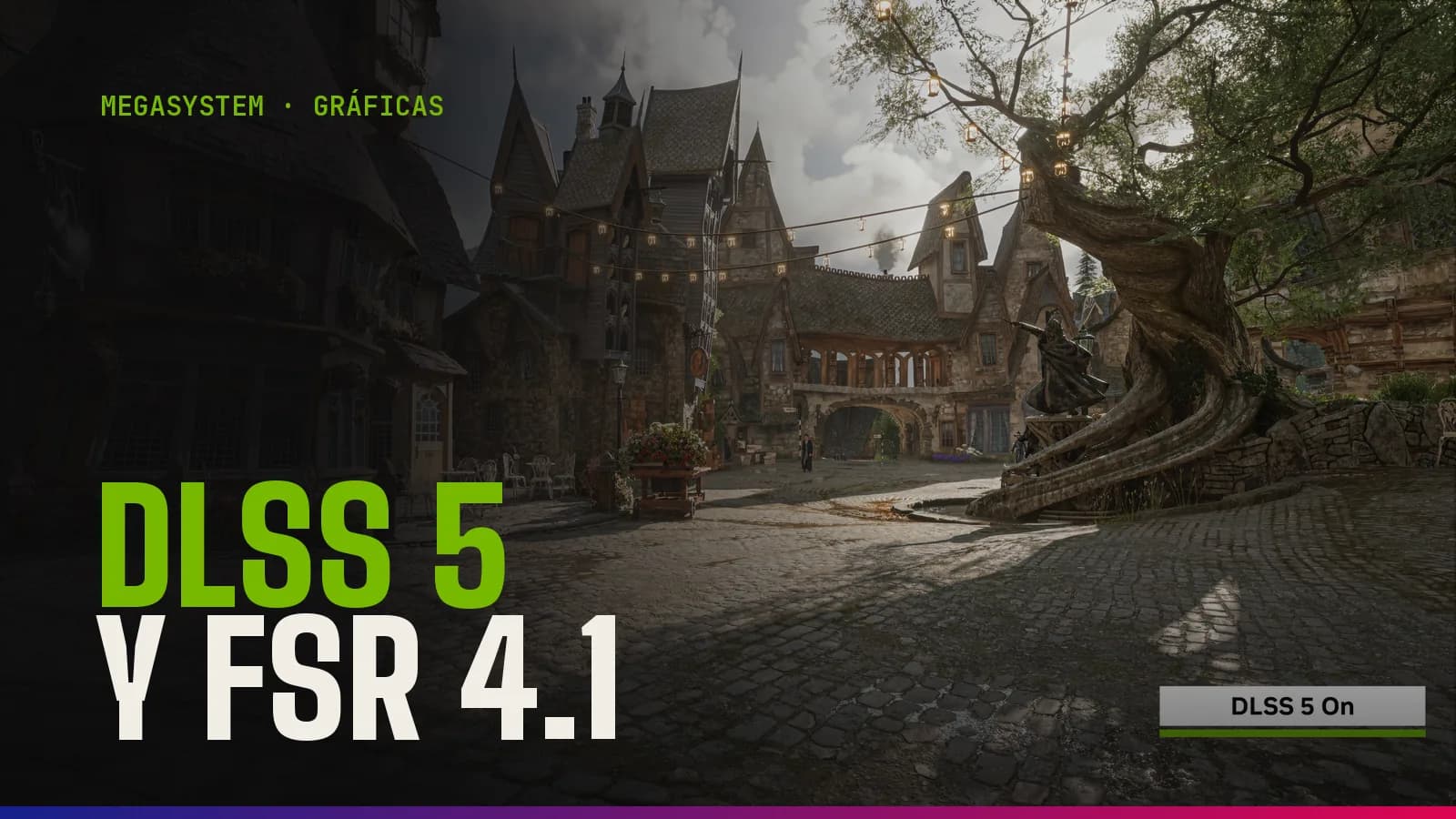
DLSS 5 isn't just another upscaler for squeezing out more FPS: it's a “neural rendering” layer that adds more realistic lighting and materials at the cost of performance, and for now it only works on GeForce RTX 50 cards (plus RTX Spark laptops and GeForce NOW). On 13 October 2026 Nvidia released a model that's twice as fast, which arrives in Hogwarts Legacy on 5 November, along with a beta “Frame Gen Performance Mode” that RTX 40 cards can use. The news that really extends the life of many graphics cards is something else: since 20 October, with the Adrenalin 26.10.1 driver, FSR 4.1 works on the Radeon RX 6000 cards from 2020.
And it comes at a good time, because replacing a graphics card is expensive. Asus and Gigabyte have officially raised prices on RTX 50 and RX 9000 cards this year because of the rising cost of GDDR7 memory (by around 40% on average for the most popular models, according to Notebookcheck), and DDR5 RAM is still sky-high, as we explained in our 2026 components guide.
What DLSS 5 is and how it differs from the DLSS you know
Until now, DLSS was mainly about performance: the game is rendered at a lower resolution and an AI rebuilds the image (Super Resolution), or in-between frames are created (Frame Generation). DLSS 5, which Nvidia calls “3D-Guided Neural Rendering”, is the final stage of rendering: it uses the game's geometry, textures and lighting to generate lighting and material detail that used to be cut for lack of horsepower, always starting from the studio's own content.
Light passing through skin (subsurface scattering), instead of plastic-looking faces.
More accurate contact shadows and ambient occlusion.
Better interaction between light and hair, and materials such as metal.
In other words, it improves the image but costs FPS. At its debut on 3 September with NBA 2K27, Digital Foundry measured a drop from 128.4 to 62.7 FPS (51% lower) on an RTX 5090 at 4K Ultra, and losses of 55% on an RTX 5070 and 41% on an RTX 5060. That's why it's paired with DLSS Super Resolution and frame generation.
The 13 October model: twice as fast
The update announced on 13 October shrinks the model by 24%, to around 118 million parameters, and cuts VRAM use at 4K by 20%. According to Nvidia, the GPU cost is now half what it was in September, with comparable quality, and in NBA 2K27 frame rates go up by as much as 1.4x. These are the manufacturer's figures and still need independent testing. The details are in Nvidia's official announcement.
DLSS 5 roadmap: games and dates
3 September: launch in NBA 2K27 with Game Ready driver 616.64, for RTX 50 and GeForce NOW only.
16 October: the new model arrives in NBA 2K27 and DLSS 5 debuts on RTX Spark laptops.
23 October: RTX Remix adds DLSS 5 for modders.
5 November: Hogwarts Legacy update with DLSS 5 and the rest of the improved DLSS technologies.
Late November: Where Winds Meet.
The controversy over the March demo
DLSS 5 was unveiled in March at Nvidia's GTC conference, and it went down badly. In the Resident Evil Requiem videos, the protagonist, Grace Ashcroft, appeared with a visibly retouched face, smoother and “made up”, and many players compared it to a social media beauty filter. The underlying criticism was clear: if the AI changes faces, you're no longer seeing what the studio designed.
Jensen Huang, Nvidia's CEO, replied that the critics were “completely wrong” and that DLSS 5 “is not frame-level post-processing, it's generative control at the geometry level”: the studio decides the intensity and can exclude areas, such as characters. According to PC Gamer and TweakTown, the Hogwarts Legacy version is much more restrained than that demo: it improves the materials, lighting and shadows of the environment and barely touches faces. And players can always switch it off.
What FSR 4.1 is and why it matters if you have a 2020 Radeon
FSR 4 is AMD's AI upscaling: like DLSS Super Resolution, it reconstructs a high-resolution image from a lower-resolution one, with much better quality than FSR 3.1, which doesn't use AI. It launched in 2025 for the RX 9000 only; FSR 4.1 is its revision, sharper and more stable in motion. It has been rolled out in stages:
Radeon RX 9000: FSR 4.1 since March 2026 (Adrenalin 26.3.1), with an FP8 model that makes use of their second-generation AI accelerators.
Radeon RX 7000: since this summer, with an adapted INT8 model and support for more than 300 games.
Radeon RX 6000: since 20 October 2026 with Adrenalin 26.10.1. AMD had planned it for early 2027 and brought it forward by optimising that same INT8 model.
Other hardware: Ryzen AI Max and Ryzen AI 9 processors, handhelds with Ryzen Z2 and, soon, Xbox Series X|S.
In its press release, AMD presents it as a major upgrade for the RX 6000 “without needing to buy new components”.
What FSR 4.1 doesn't do
It isn't free: on the RX 7000, ComputerBase measured between 7% and 14.5% fewer FPS than with FSR 3.1 in the same mode, in exchange for a clearly better image. On the RX 6000, which lack dedicated AI accelerators, independent tests are still missing; it's reasonable to expect a somewhat higher cost.
It doesn't bring AI frame generation: FSR Redstone's is still exclusive to the RX 9000; the RX 6000 and RX 7000 can use FSR 3.1's.
It doesn't reach every game: the title has to integrate FSR 4 or be on AMD's list of supported games.
Which graphics cards support DLSS 5, FSR 4.1 and the other techniques
This is how things stand at the end of October 2026, from newest to oldest:
GeForce RTX 50: everything. DLSS 5 in supported games, DLSS 4.5 Super Resolution, Multi Frame Generation (with dynamic mode and 6X) and the new Frame Gen Performance Mode.
GeForce RTX 40: DLSS 4.5 Super Resolution, frame generation and Frame Gen Performance Mode in beta. DLSS 5, not yet: in September Nvidia promised it would arrive “later this autumn”, with no date.
GeForce RTX 30 and RTX 20: DLSS Super Resolution, but no Nvidia frame generation. As they lack native FP8, Nvidia suggests model K (DLSS 4.0), because the new M and L models cost them more performance.
Radeon RX 9000: FSR 4.1 and AI frame generation.
Radeon RX 7000 and RX 6000: FSR 4.1 (INT8 version) and FSR 3.1 frame generation.
GTX 10 and 16, Radeon RX 5000 and older: nothing AI-based; they're left with classic upscalers such as FSR 3.1, which works on any graphics card, with poorer image quality.
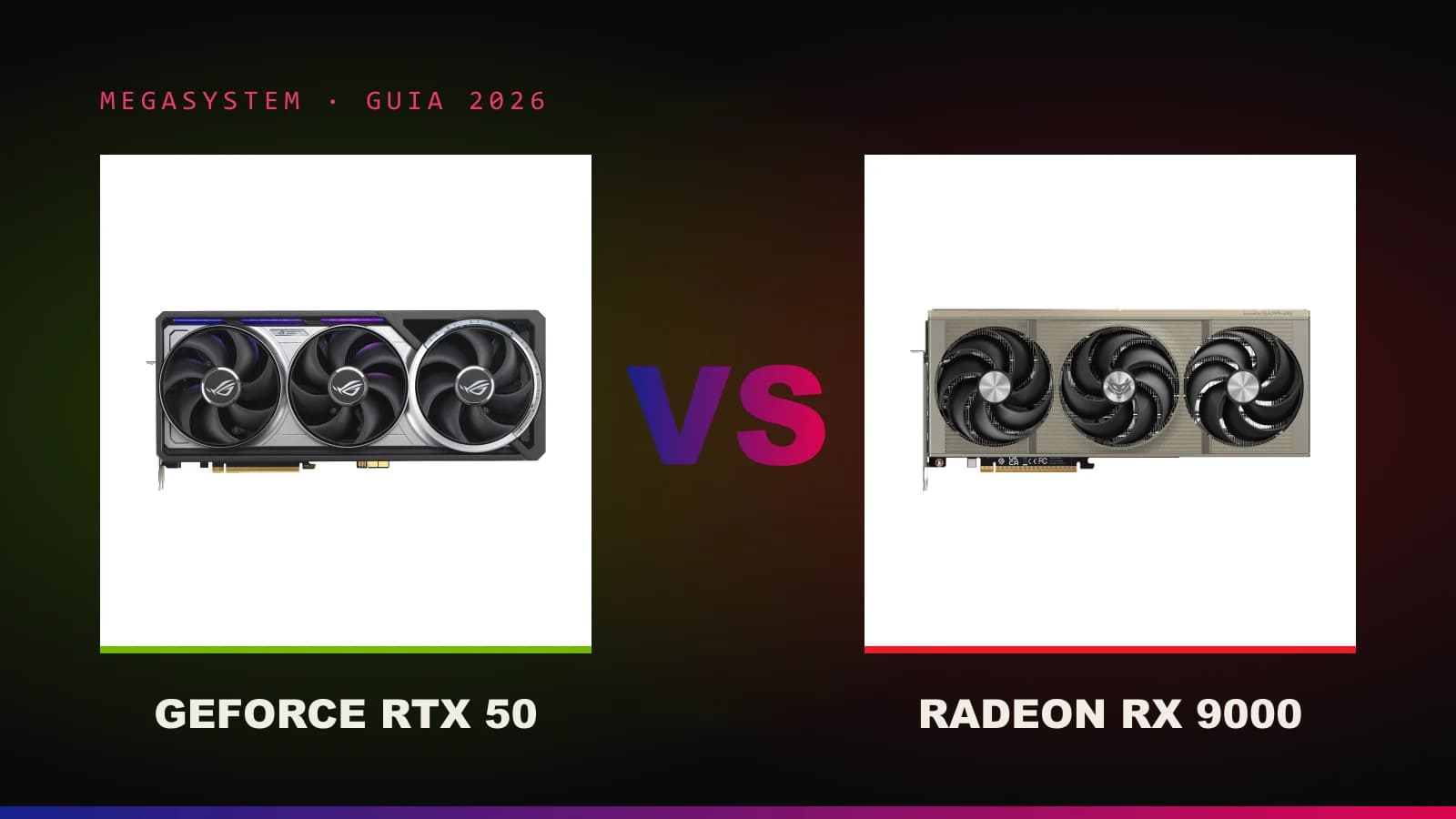
If you're thinking of buying a new graphics card and can't decide between Nvidia and AMD, we won't repeat it here: it's all in our RTX 50 vs Radeon RX 9000 comparison.
How to enable DLSS 5, DLSS 4.5 and FSR 4.1 step by step
DLSS 5 on an RTX 50
Update the Game Ready driver from the NVIDIA app (for NBA 2K27, version 616.64 or later).
Update the game: the faster model arrives with each title's patch (NBA 2K27 since 16 October; Hogwarts Legacy on 5 November).
In the video menu, turn on “DLSS Neural Rendering” along with DLSS Super Resolution and Reflex.
If your FPS drop a lot, lower the Super Resolution mode (from Quality to Performance) or add frame generation.
DLSS 4.5 Super Resolution on any RTX
DLSS 4.5 brings a second-generation upscaling model to all RTX cards, in more than 400 games and apps, according to Nvidia's announcement. You force it from the NVIDIA app:
Open the NVIDIA app and go to the Graphics tab.
Choose a game from the list, or the global settings.
Find “DLSS Override - Model Presets” and select “Recommended”, or “Custom” to choose the model for each technique separately.
On an RTX 20 or RTX 30, if you notice you're losing too much performance, choose model K.
Frame Gen Performance Mode (Preset C) on RTX 40 and RTX 50
It's a lighter form of frame generation: it swaps the second AI model for a faster algorithm, with small losses in quality. Nvidia talks of up to 35% more performance on an RTX 5060. For now it's in beta:
In the NVIDIA app, go to Settings > About and tick the option to access beta or experimental features.
Download and install the beta update.
In Graphics, choose the game (or the global settings) and, in the driver settings, open “DLSS Override - Model Presets”.
Click “Custom”, open the Frame Generation drop-down, choose “Preset C” and apply. If it doesn't appear, restart your PC.
FSR 4.1 on Radeon RX 6000, RX 7000 and RX 9000
Install AMD Software: Adrenalin Edition 26.10.1 or later from AMD's website (on laptops and handhelds it may depend on the manufacturer).
In AMD Software, enable FSR upscaling (AMD FSR Upscaling) in the game's graphics settings or in the global ones.
In the game, choose FSR and start with Quality mode; check that the title is on AMD's list of supported games.
If you lose FPS compared with FSR 3.1, try a more aggressive mode (Balanced instead of Quality) and compare the image.
How much longer will they keep your current graphics card going?
The short answer: DLSS 5 doesn't extend the life of any graphics card, because it eats into performance and today only works on the newest ones. What really stretches a graphics card is AI upscaling (DLSS 4.5 and FSR 4.1) and, as a complement, frame generation. By profile:
RTX 40: the best placed. With DLSS 4.5, frame generation and Preset C, an RTX 4070 or above has headroom for several years at 1440p with upscaling. If DLSS 5 arrives, it'll be a bonus.
RX 6000 with 12 or 16 GB (RX 6700 XT, RX 6800, RX 6800 XT, RX 6900 XT): the big winners. They had memory to spare but lacked good upscaling; with FSR 4.1 they can last quite a bit longer in supported games.
RTX 30 and RX 7000: DLSS and FSR 4.1 keep them current at 1080p and 1440p; the limit is usually VRAM on 8 GB models (RTX 3060 Ti, RTX 3070, RX 7600).
RTX 20 and RX 6000 with 8 GB or less (RTX 2060, RX 6600…): upscaling helps, but they're already struggling in the most demanding games.
GTX 10 and 16, RX 5000: with no AI and games that already require hardware ray tracing, such as DOOM: The Dark Ages, it's time to upgrade.
What none of these technologies fixes
Lack of VRAM: if the graphics card runs out of memory, you get stuttering and blurry textures; frame generation even uses a little more.
A processor that falls short: upscaling takes load off the graphics card, not the processor. If the CPU is the bottleneck, lowering the internal resolution barely raises your FPS.
Low base FPS: generating frames smooths the image but adds latency. AMD recommends starting from around 60 FPS and advises against using it below 30. In competitive games, you're better off without it.
Upgrade your PC, replace just the graphics card or buy a new one?
With graphics cards this expensive, it's tempting to squeeze everything you can out of what you have. That makes sense, but only if the rest of the system keeps up. These are the most common situations:
When replacing just the graphics card is enough
Your processor has 6 or more cores and is fairly recent (for example, a Ryzen 5000 or a 12th-gen Intel Core or newer).
You have at least 16 GB of RAM (32 GB is better) and an SSD.
The power supply is good quality and has the wattage and connectors for the new graphics card (many RTX 50 cards use 12V-2x6). If not, take a look at our power supplies.
The graphics card fits in your case: current models are long and thick.
Watch out with older motherboards: some mid-range graphics cards only use 8 PCIe lanes and lose some performance in a PCIe 3.0 slot, especially the 8 GB ones.
If you tick all these boxes, a new graphics card is the upgrade you'll notice most in games. You can see options in our graphics cards section.
When it pays to upgrade other parts without replacing everything
Processor on the same platform: if your motherboard supports a more powerful CPU with a BIOS update, it's much cheaper than replacing the motherboard, processor and memory.
RAM: going from 8 to 16 GB, or from 16 to 32 GB, gets rid of stuttering in recent games; with memory this expensive, compare prices first.
Storage: an NVMe SSD shortens loading times and prevents stuttering in games that stream data on the fly.
Power supply: if it's old or only just enough, replace it before the graphics card or at the same time.
When a new PC is the better option
Your graphics card is a GTX 10/16 or an RX 5000 and your processor is five or more years old: you'd be replacing the graphics card, CPU, motherboard and RAM, which is almost an entire PC.
You want an RTX 50 to use DLSS 5, but your platform can't make the most of it without a bottleneck.
The power supply, case and motherboard are many years old: fitting new parts onto an old base limits how much you can get out of them.
A rule of thumb: if only the graphics card is falling short, replace the graphics card; if you have to replace three or more parts, compare with a complete system, which also arrives assembled, tested and with a warranty covering the whole thing.
Upgrade or replace your PC in Andorra with MEGA SYSTEM
At MEGA SYSTEM we build every PC by hand, test it for 24 hours before delivery and give it a 3-year warranty, with repairs in our workshop in Escaldes-Engordany. Browse our pre-built gaming PCs or choose part by part in the configurator. If you can't decide between upgrading and replacing, message us on the chat (real people will answer you) or drop by the shop at Av. Carlemany, 38 with your system's parts list. We deliver within 24 hours to every parish in Andorra, or you can collect it free of charge in store.
Frequently asked questions
Does DLSS 5 work on an RTX 4090 or other RTX 40 cards?
Officially, not yet. In September Nvidia promised it would come to the RTX 40 “later this autumn”, with no date. In the meantime, RTX 40 cards can use DLSS 4.5 Super Resolution and Frame Gen Performance Mode (Preset C) in beta.
Does DLSS 5 give you more FPS?
No. It improves lighting and materials, but it costs performance: in September drops of between 41% and 58% were measured depending on the graphics card and resolution, and Nvidia says the October model halves that cost. The extra FPS still come from DLSS Super Resolution and frame generation.
Which Radeon RX 6000 cards are compatible with FSR 4.1?
AMD announces support for the Radeon RX 6000 series with the Adrenalin 26.10.1 driver or later. Check the driver notes for your specific model; on laptops, availability depends on the manufacturer. The game also has to support FSR 4.
Can I use FSR 4.1 on an Nvidia graphics card?
Not officially: FSR 4.1 uses AI and AMD only offers it on its own hardware. On a GeForce RTX you have DLSS, and on older GTX cards, FSR 3.1.
Does frame generation add latency?
Yes, a little. That's why it's best to enable it only when the game is already running at around 60 FPS, as AMD recommends, and to combine it with Nvidia Reflex or AMD Anti-Lag. In competitive shooters, you're better off turning it off.
Is it worth replacing your graphics card now or should you wait?
If your graphics card supports DLSS 4.5 or FSR 4.1 and you have enough VRAM, get the most out of it: prices have gone up this year and there are no confirmed price cuts. If you have a GTX 10/16 or an RX 5000, or you're running out of memory, waiting only drags the problem out.